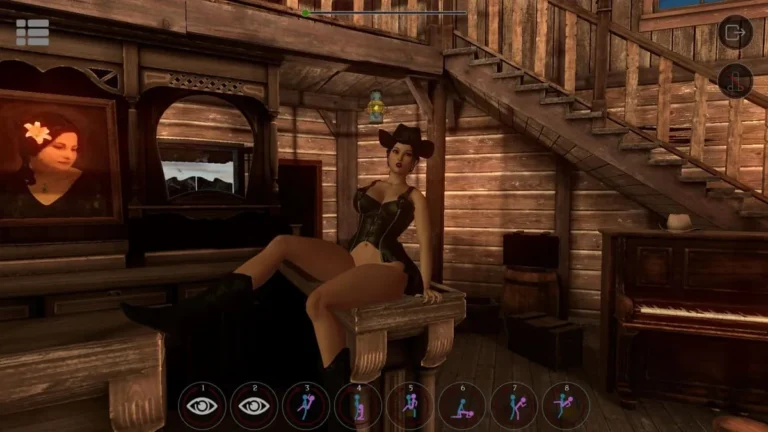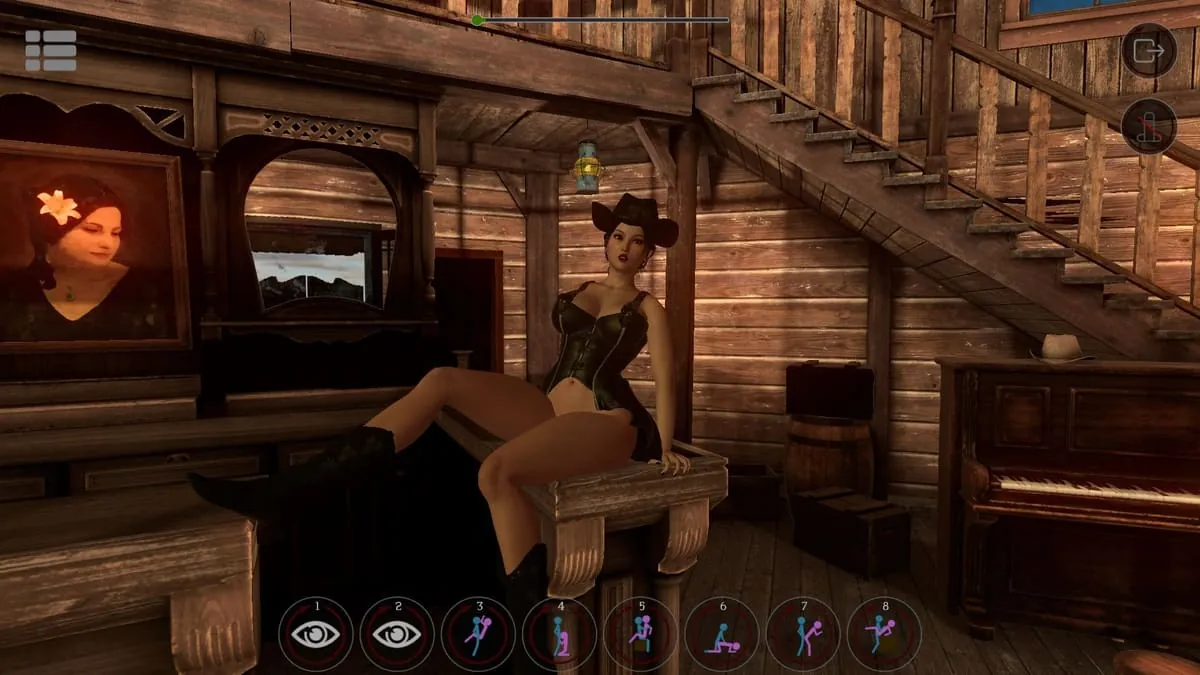
SinVR Screenshots
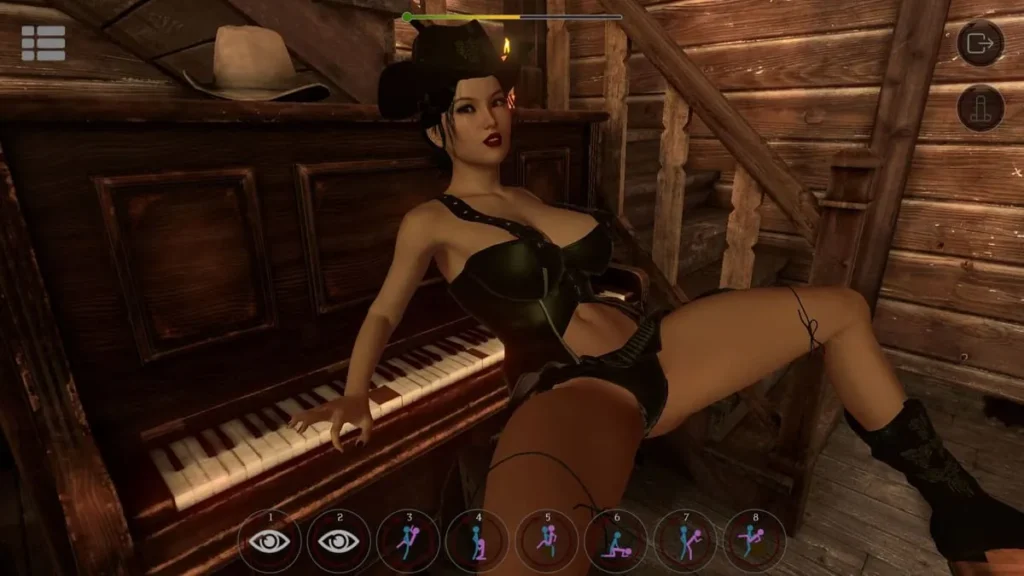
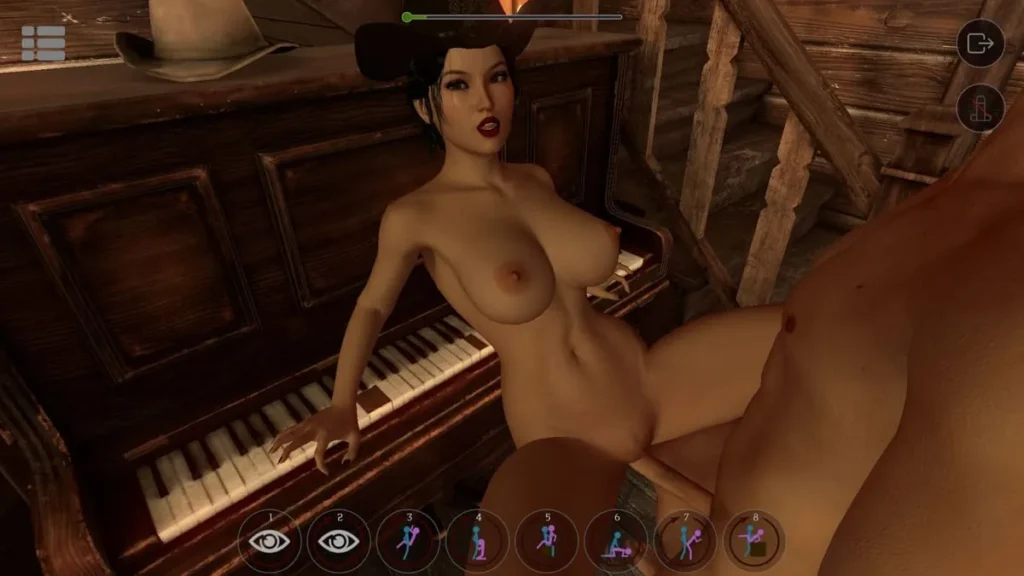
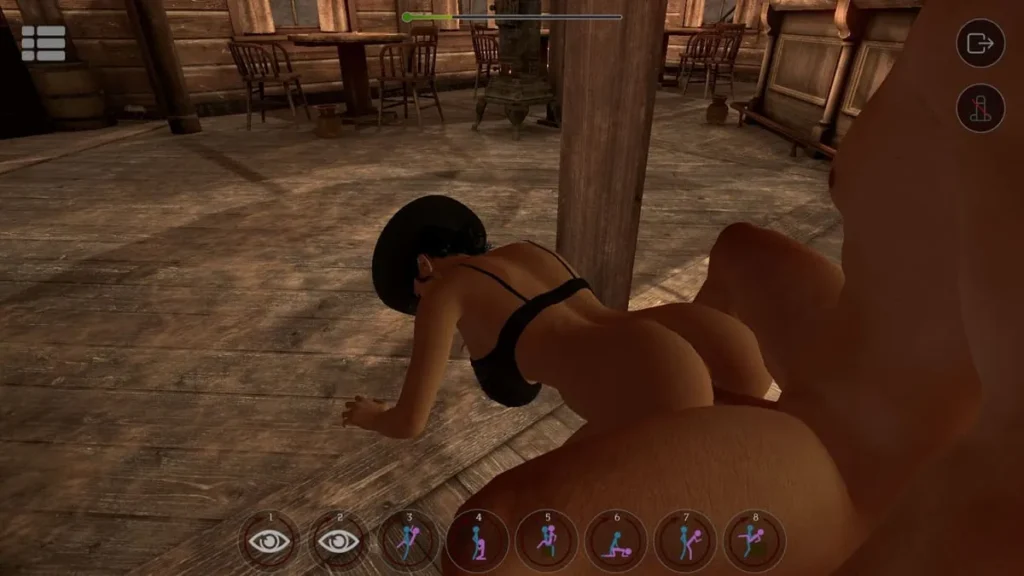
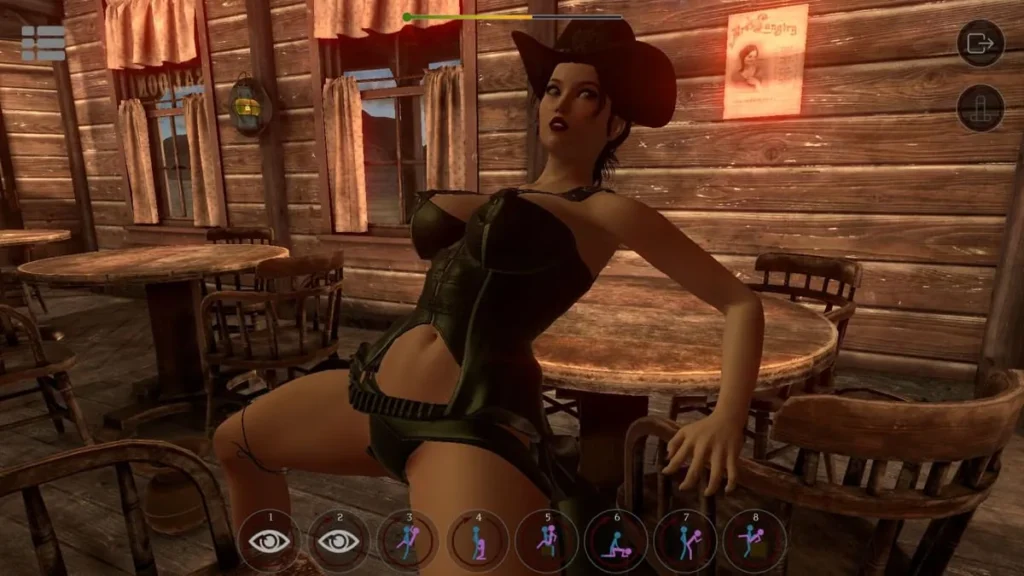
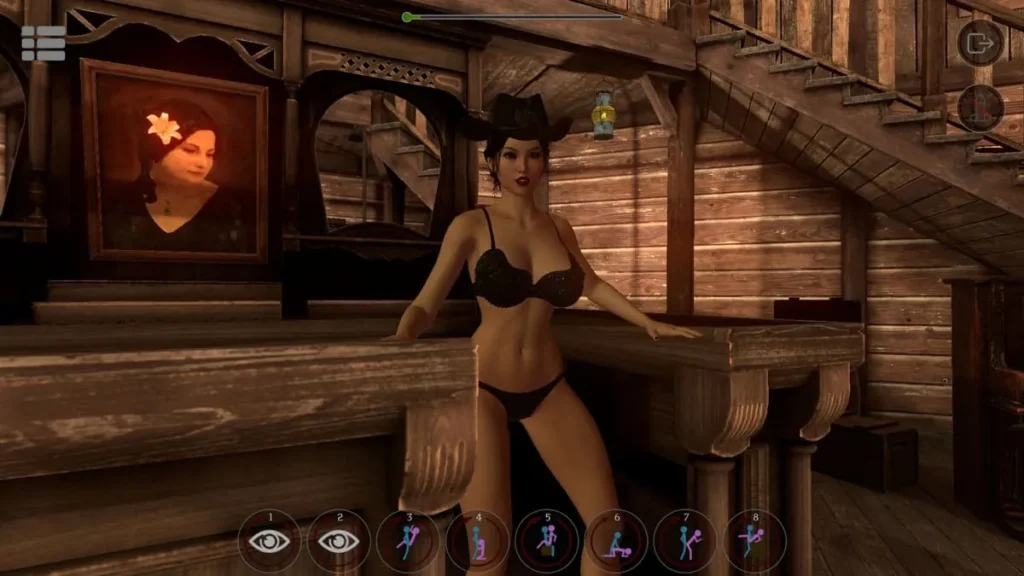
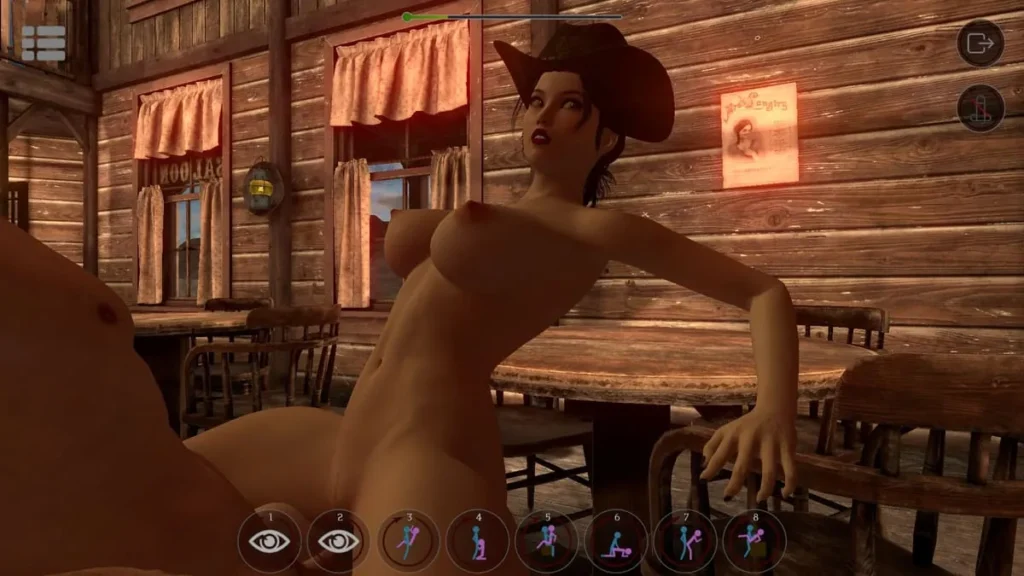
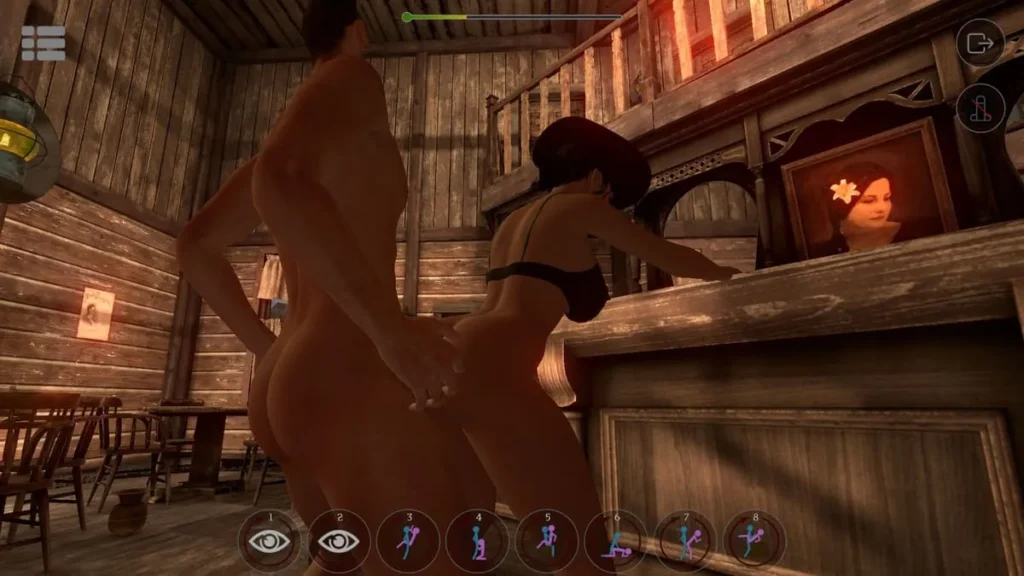
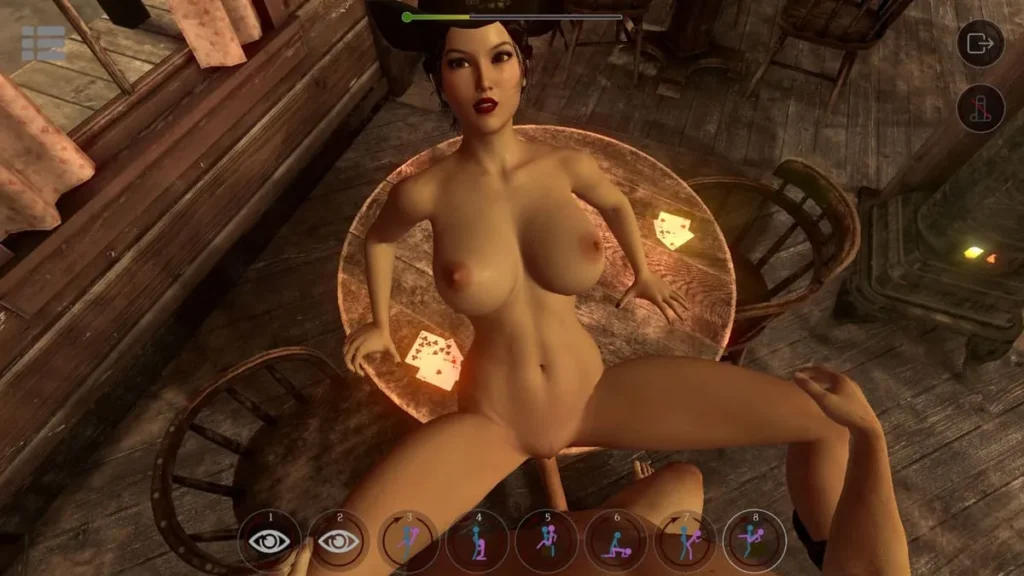
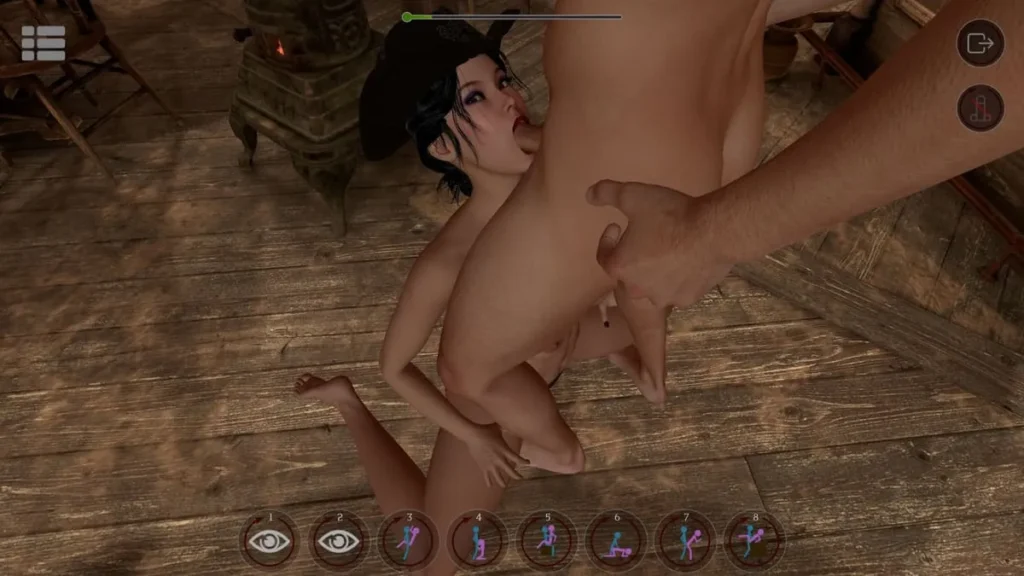
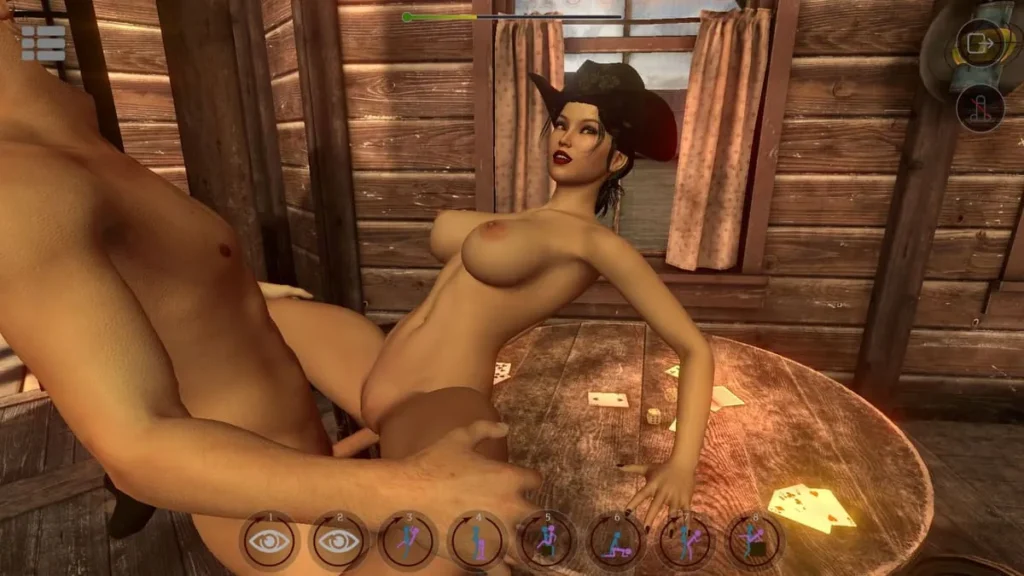
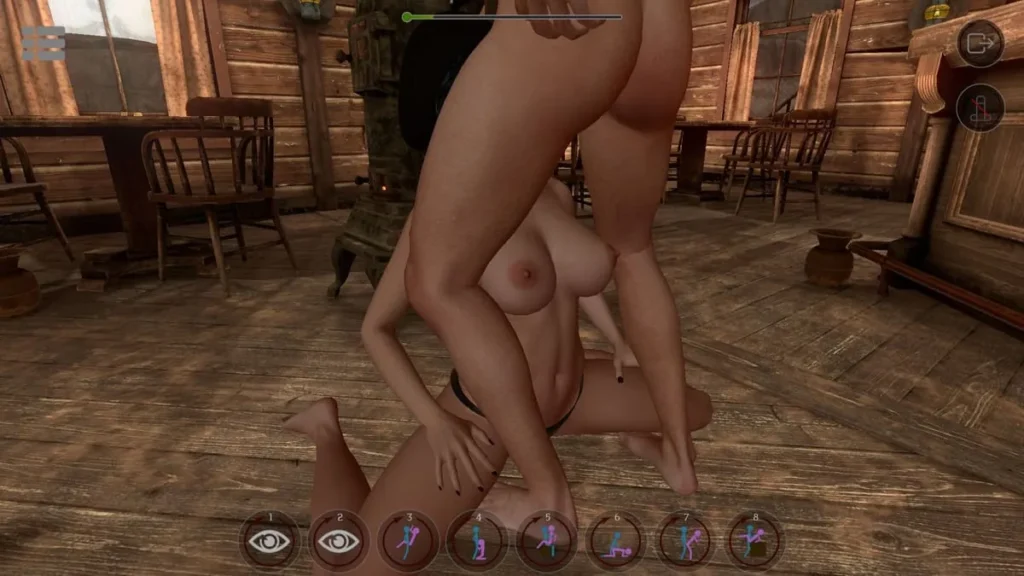
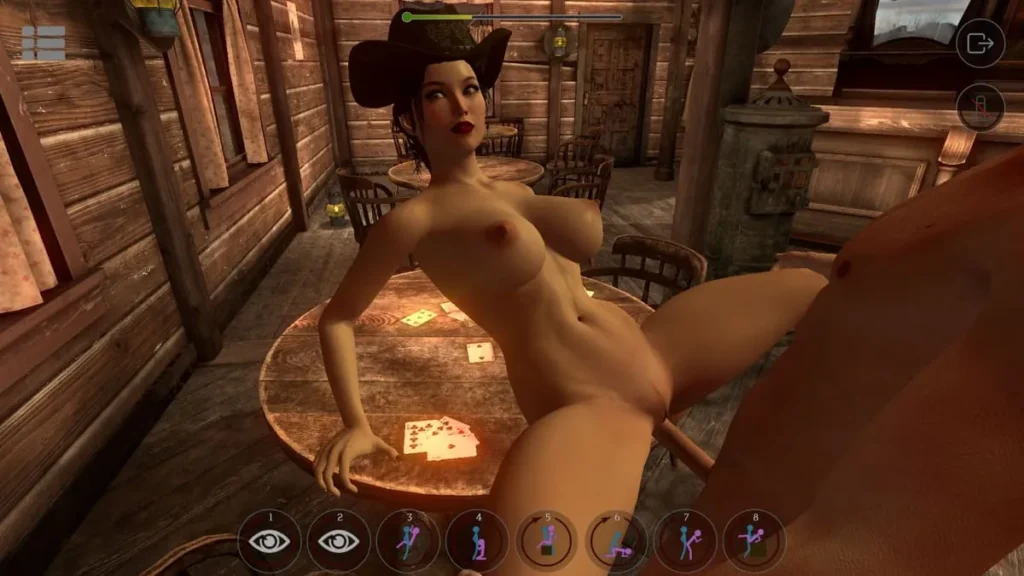
SinVR review
Explore the Features, Gameplay, and Customization of SinVR
SinVR is a unique virtual reality simulation game that invites players to explore immersive adult-themed scenarios with customizable characters and interactive environments. Designed for VR platforms like HTC Vive and Oculus Rift, SinVR offers a blend of fantasy and realism, allowing users to engage with AI-driven companions in a variety of scenes and poses. Whether you’re new to VR adult simulations or looking to deepen your experience, SinVR provides a customizable and interactive journey into virtual intimacy.
Getting Started with SinVR: Gameplay and Features
So, you’ve heard about SinVR, the buzz around this unique simulation game, and you’re curious about what it actually involves. Maybe you’re wondering if it’s just a tech demo or if there’s real depth to the experience. I remember firing it up for the first time, a mix of curiosity and skepticism. What I found was a surprisingly robust sandbox designed for adult entertainment, one that prioritizes your choice and control from the very first moment. 🎮
Let’s pull back the curtain and see what makes this platform tick, from its core idea to how you actually interact with it.
What Is SinVR and How Does It Work?
At its heart, SinVR is an adult-focused simulation game built for exploration and interaction. Think of it less as a linear story and more as a dynamic playground. The core loop is elegantly simple: you choose a character, select a detailed environment, and then engage with your partner through a variety of intuitive controls. The magic lies in the freedom it offers. There’s no predetermined path or win condition—the goal is the experience itself, crafted by your inputs.
The platform operates on a hub-based system. You’ll start in a central area where you can browse and mix-and-match a growing library of characters and scenes. This modular approach is a huge part of the appeal. Fancy seeing a specific character in a setting she wasn’t originally designed for? With SinVR, you can often make that happen. It’s this level of customization that transforms it from a passive experience into a personal one. The developers have structured it like a platform, with a solid base of free content to start your journey, and extensive expansion packs available if you want to deepen your catalog.
The genius is in its accessibility. Whether you’re a VR veteran or just testing the waters on your desktop, SinVR is designed to meet you where you are. It acknowledges that not everyone has a headset, but everyone might want a sophisticated, interactive experience. This dual-path approach is one of its smartest features, ensuring no one is left out of the SinVR gameplay.
Core Gameplay Mechanics and Interaction
Now, let’s talk about how you actually play. The SinVR controls are the bridge between you and the virtual world, and they’re built to be as intuitive or as detailed as you like. When I first started, I was pleasantly surprised by how quickly I could perform basic interactions. A button click or a controller gesture is often all it takes to initiate contact, change a position, or adjust the pace. This low barrier to entry means you spend less time fiddling with menus and more time immersed.
But where the SinVR gameplay truly shines is in its AI interaction. The characters aren’t just static models; they are programmed to respond. Their behavior isn’t scripted in a rigid, cinematic way, but rather reacts to your actions. This creates a believable sense of presence. A character might make eye contact, react to touch, or move in sync with you. This responsive AI interaction is what turns a graphical scene into a convincing simulation. It’s the difference between watching a movie and being a participant.
The interaction system is deeply tied to the SinVR VR support. In VR, using motion controllers, you can reach out and touch directly. The sense of presence is profound. On desktop in non-VR mode, you use your mouse and keyboard to direct the action from a third-person or first-person camera perspective. While different, both methods are powerful. The key takeaway? The SinVR controls are context-aware and designed to give you agency, making the complex feel simple.
Pro Tip: Don’t be afraid to explore the settings! Adjusting things like motion speed or interaction sensitivity can tailor the SinVR gameplay perfectly to your preference, making the experience much more comfortable and enjoyable.
VR and Non-VR Modes Explained
This is a major strength of the platform: its incredible flexibility. SinVR doesn’t force you into one hardware path. Instead, it offers two distinct, fully-featured ways to play, each with its own advantages.
VR Mode: The Ultimate Immersion 🥽
When you use SinVR VR support with a compatible headset like the Oculus Rift or HTC Vive, you’re signing up for the full sensory experience. This is where the “simulation” part of this simulation game feels most real. You look around by turning your head. You interact by literally moving your hands. The 3D spatial audio and the scale of the environments create a powerful feeling of “being there.” The SinVR controls in this mode are all about physical motion, making the AI interaction feel direct and personal. It’s the definitive way to experience the depth of SinVR gameplay, ideal for users who want the highest level of presence and engagement.
Non-VR Mode: Unparalleled Accessibility 🖥️
Not ready for a headset? No problem. The SinVR non-VR mode is a complete, first-class experience on its own. You run the application on your desktop and control the camera and actions with your mouse, keyboard, or even a gamepad. This mode is perfect for users who want to explore the content without the investment or physical setup of VR. It’s also fantastic for content creators who need a stable screen-based view. The core SinVR gameplay—selecting scenes, directing action, and enjoying the AI interaction—remains entirely intact. You miss out on the visceral VR immersion, but you gain ease of use and accessibility.
So, which one is right for you? Here’s a quick breakdown to help you decide:
| Feature | VR Mode | Non-VR Mode |
|---|---|---|
| Primary Hardware | VR Headset (Oculus, Vive) & Motion Controllers | Desktop PC, Mouse & Keyboard |
| Immersion Level | High (Stereoscopic 3D, 360° view) | Moderate (Screen-based, controlled camera) |
| SinVR Controls | Physical gestures, button presses on motion controllers | Mouse clicks, keyboard shortcuts, camera controls |
| Best For | Deep personal immersion, physical interaction | Accessibility, ease of use, content creation |
| Setup Complexity | Moderate to High (Requires VR setup space) | Low (Download and launch) |
Ultimately, whether you’re donning a headset or clicking with a mouse, SinVR delivers a compelling experience. The robust SinVR VR support and the fully-functional SinVR non-VR mode ensure that the platform’s extensive customization and interactive gameplay are available to a wide audience. Starting with the available free content in either mode is the perfect way to get a feel for the mechanics before deciding if you want to expand your library. It’s this commitment to user choice, powered by intuitive systems and responsive AI, that makes SinVR a standout title in its genre.
SinVR offers a distinctive virtual reality simulation experience that combines interactive AI companions with customizable scenes and poses. Whether using VR headsets or playing in non-VR mode, users can explore a wide range of scenarios enhanced by intuitive controls and immersive features. With ongoing DLC expansions, SinVR continues to grow its content library, providing fresh experiences for players. Dive into SinVR to discover a new level of virtual interaction and personalization.